




Apps, games, and the ideas behind them.

Tools for everyday work. A browser with company. Games built for your phone. Explore what we’re making.

Products

Build a site, research a question, run a business, or make your Mac your own. Start with the product that fits what you want to do.

All products ↗
Business workspaceKeep the day’s work together.
  • Customers & orders
  • Inventory & listings
  • Invoices & payments
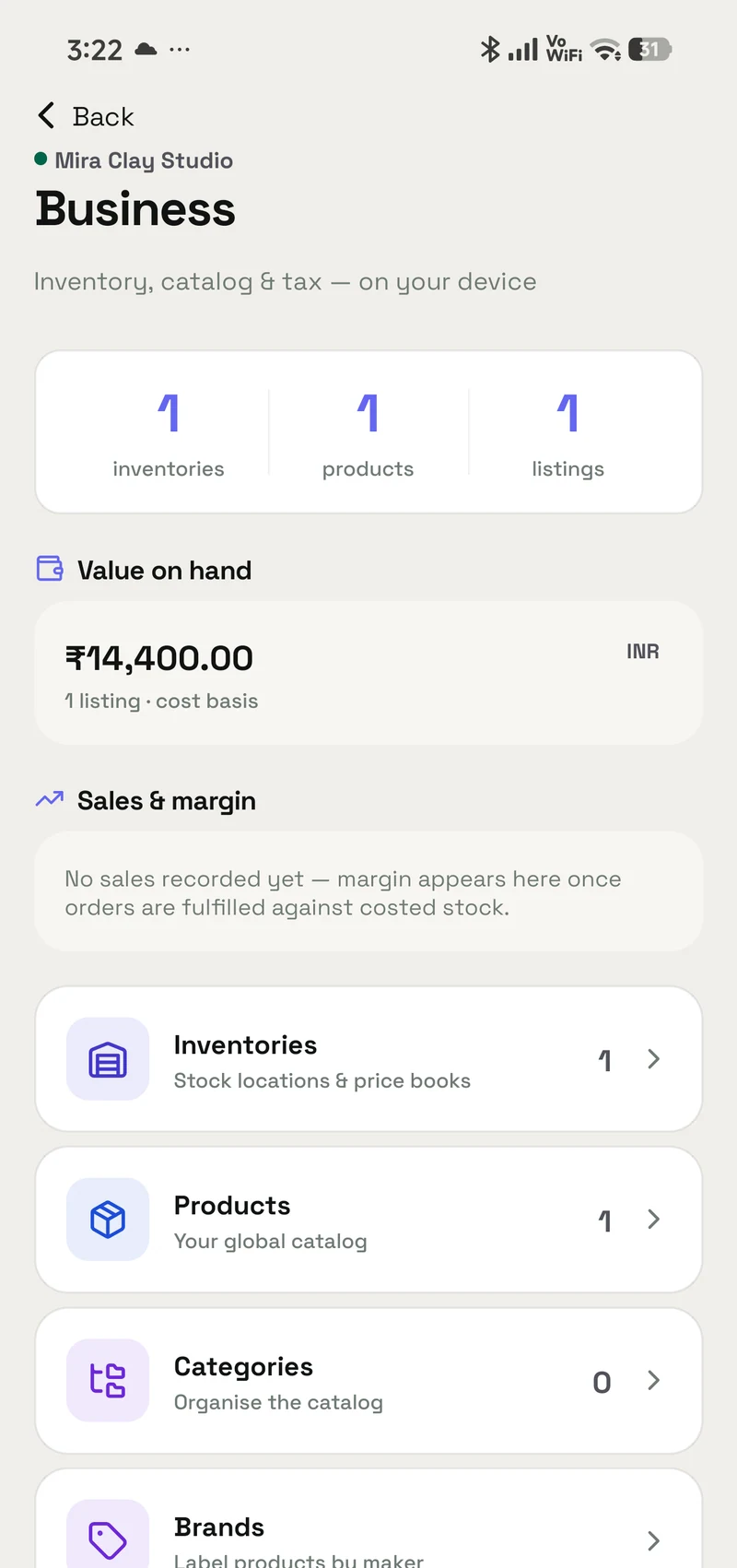
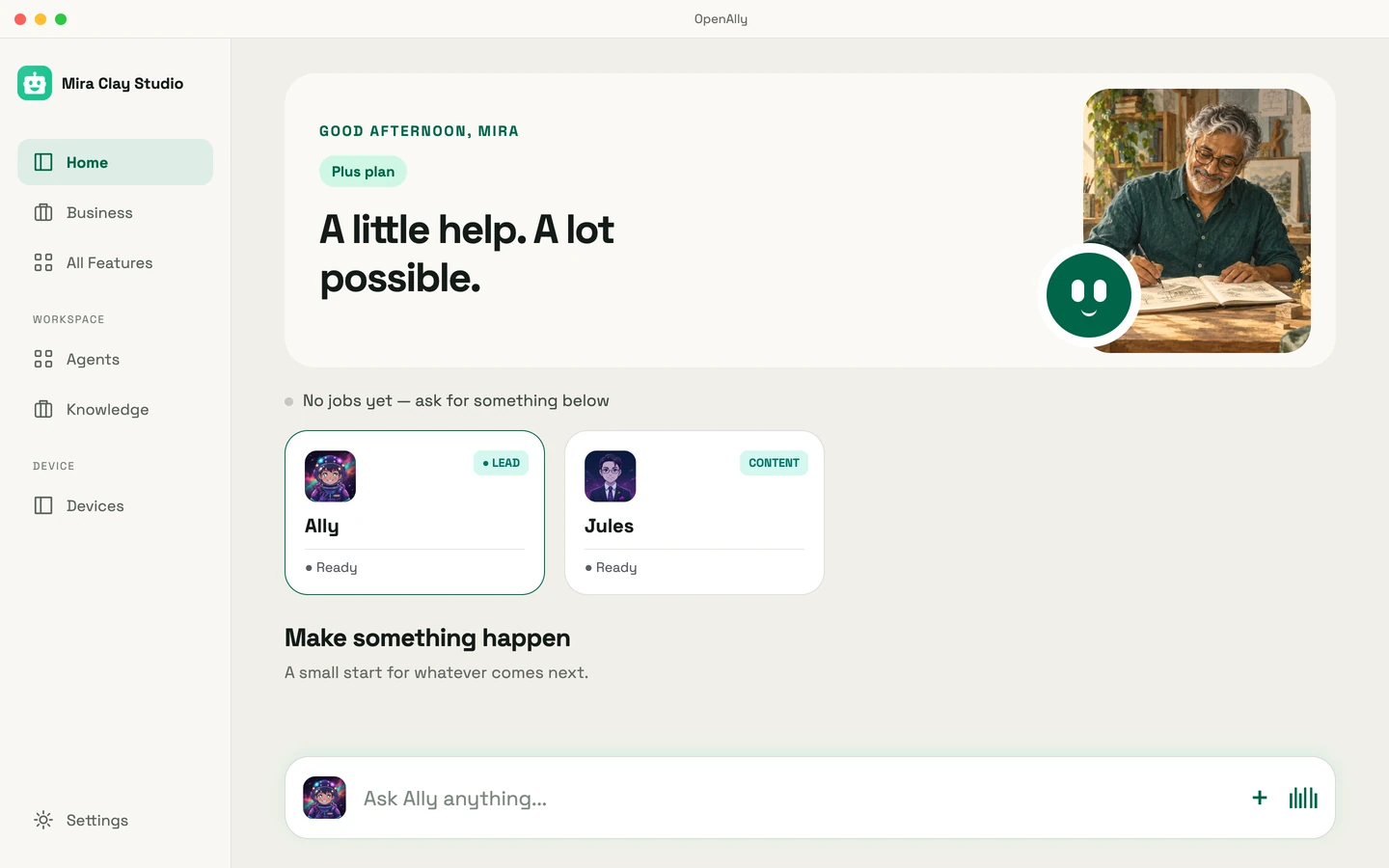
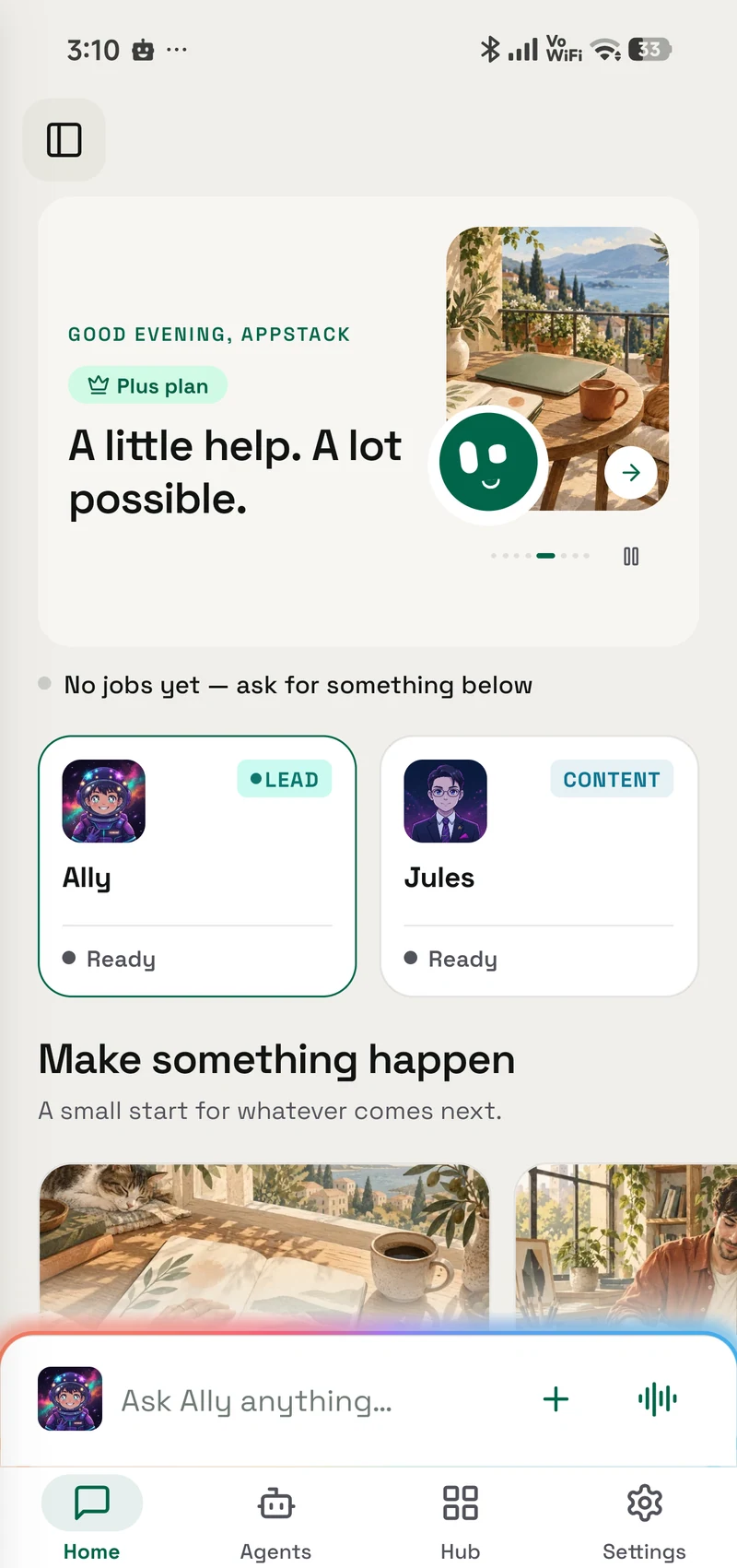
OpenAlly’s current business dashboard with inventory and sales tools

OpenAlly™ ↗

AI · mobile & Mac

OpenAlly helps business owners set up the apps they run on from a phone: a website from a template, stock, orders, invoices and payments on one set of records, and agents that help sell. Choose the model provider that suits the job, including a model you run yourself.

Downloads
5K+

Google Play ↗Checked

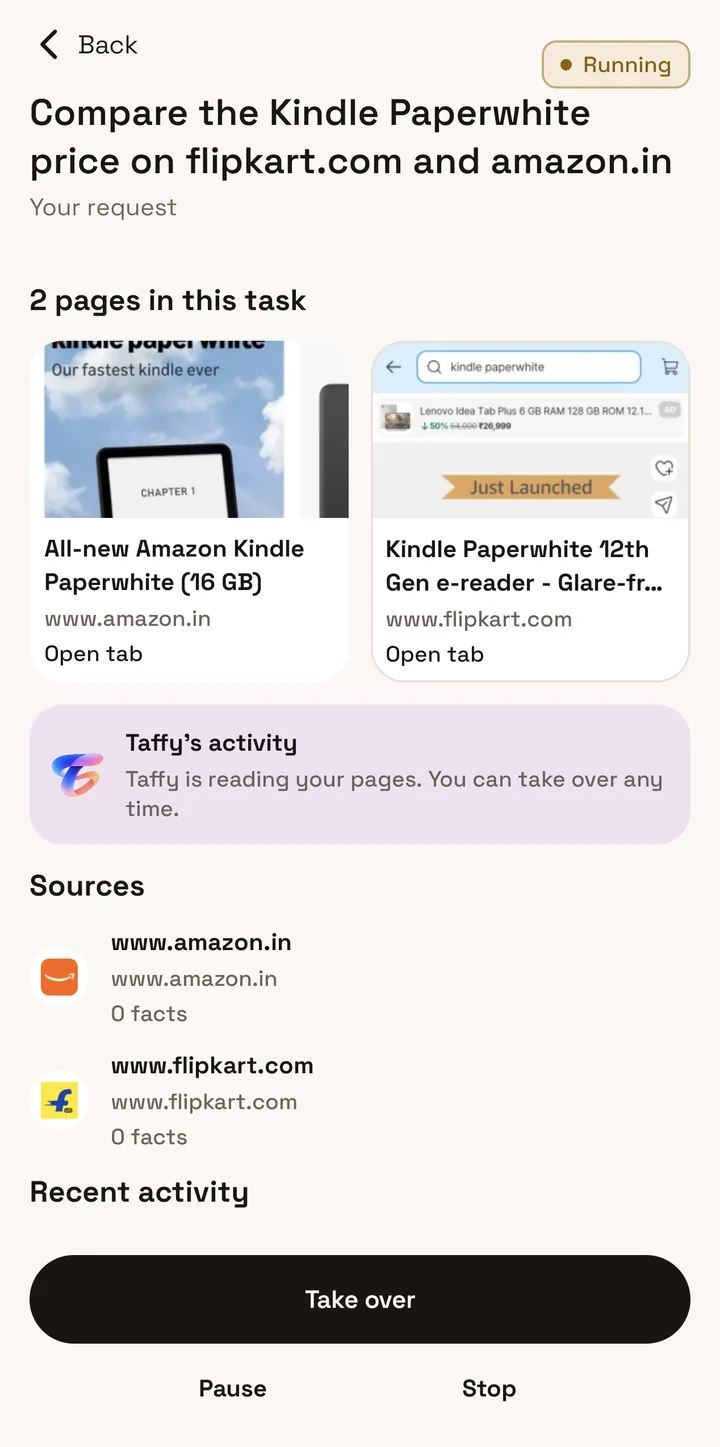
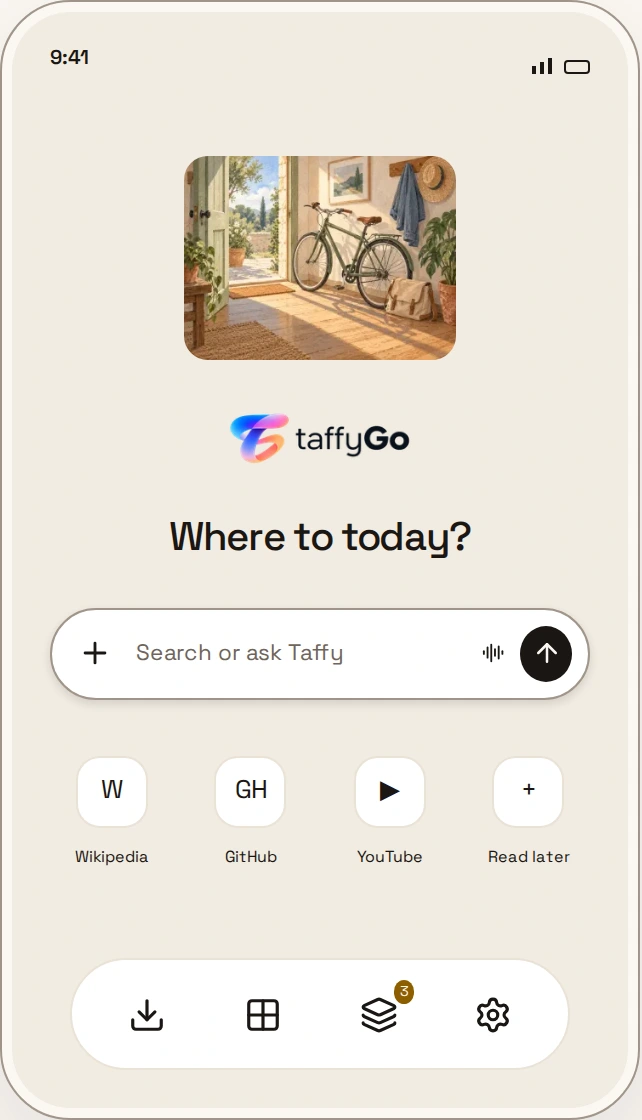
TaffyGo’s assistant working through a task in the browser
Inside the browserA page. A question. A next step.
  • Ask about what you’re reading
  • Compare tabs and sources
  • Review before an action

TaffyGo ↗

Browser · Android

Taffy stays beside the page you are reading. Ask a question, compare information across tabs, or prepare a file for an upload without leaving the browser. Tasks have a visible review and approval step, and you choose which AI provider Taffy connects to.

Curtains · actual app recording

UnfoldMyMac ↗

Desktop · macOS

Open the lid and a curtain follows it. Leave a live scene on a second display, use your own artwork, or connect a wallpaper to your Mac’s activity. The app is native to macOS, open source, and has no account or analytics.

Example from Aster

Read my notifications. Anything urgent?

Read notifications

Two urgent messages, one missed call, and a delivery this afternoon.

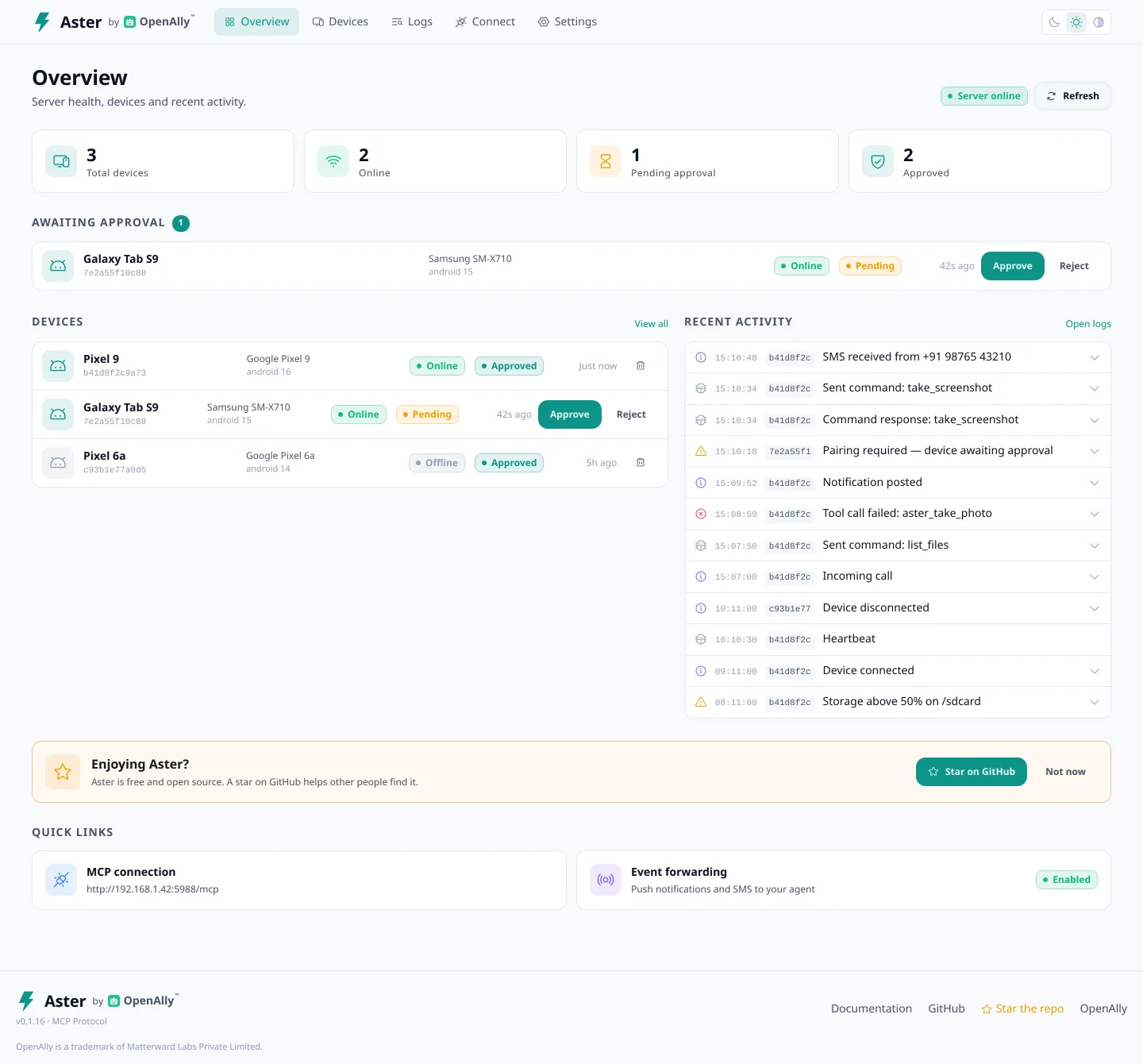
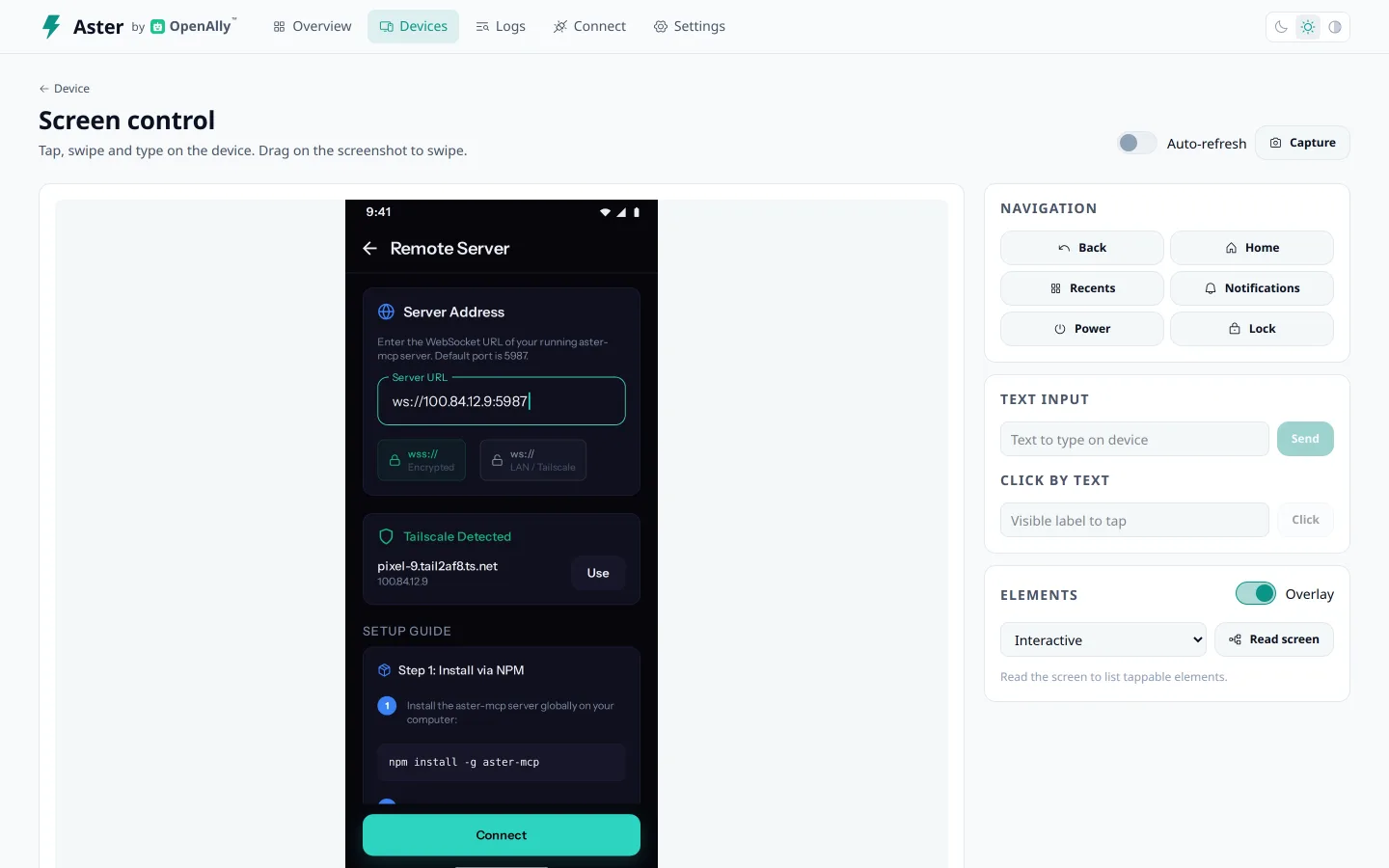
Aster’s device dashboard showing connected phones and recent activity

Aster ↗

AI companion · Android

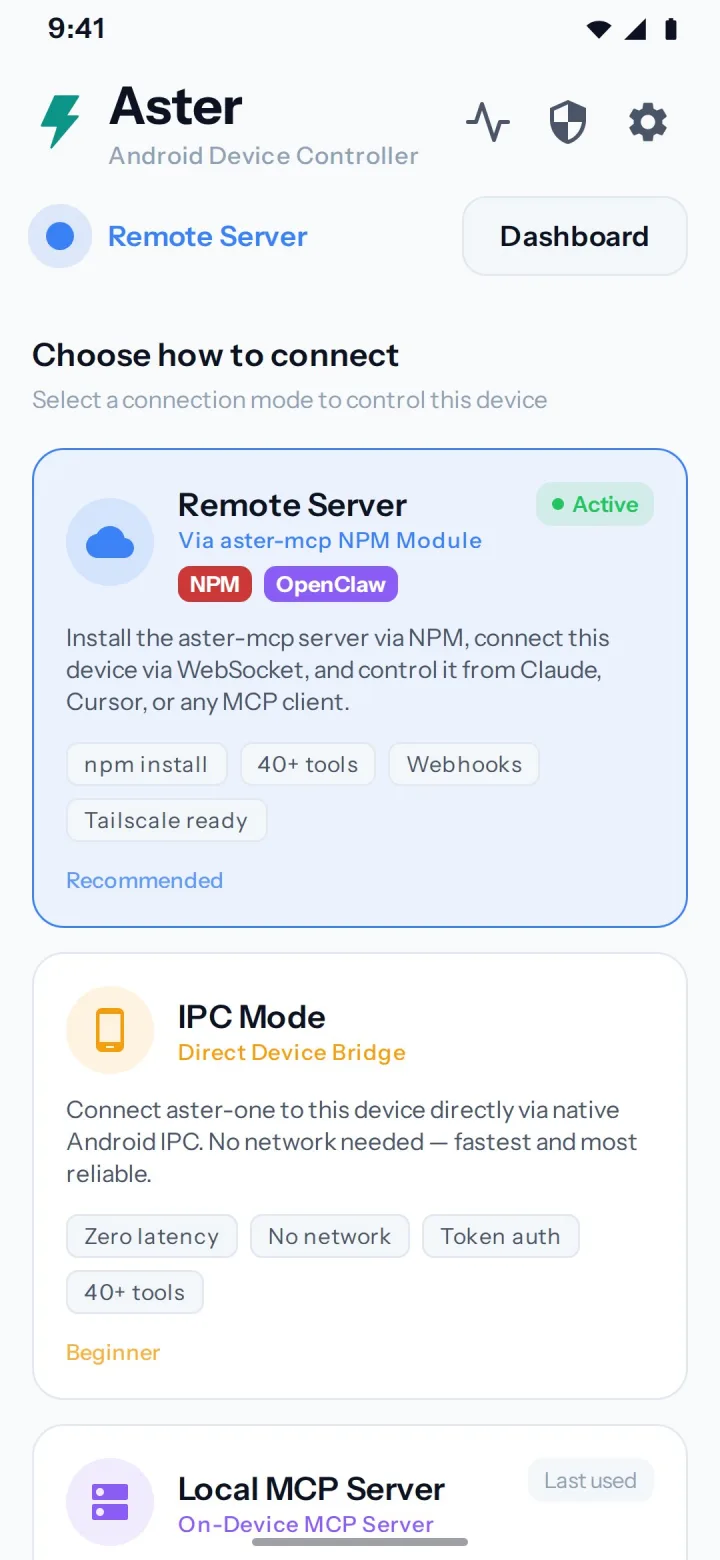
Give your AI assistant a way to interact with an Android phone. Aster makes the screen and device tools available through a companion app: inspect what is on screen, tap through a task, or work with calls and messages. Server-paired connections ask for device approval. A stop control on the phone lets you end a session.

Everyday apps

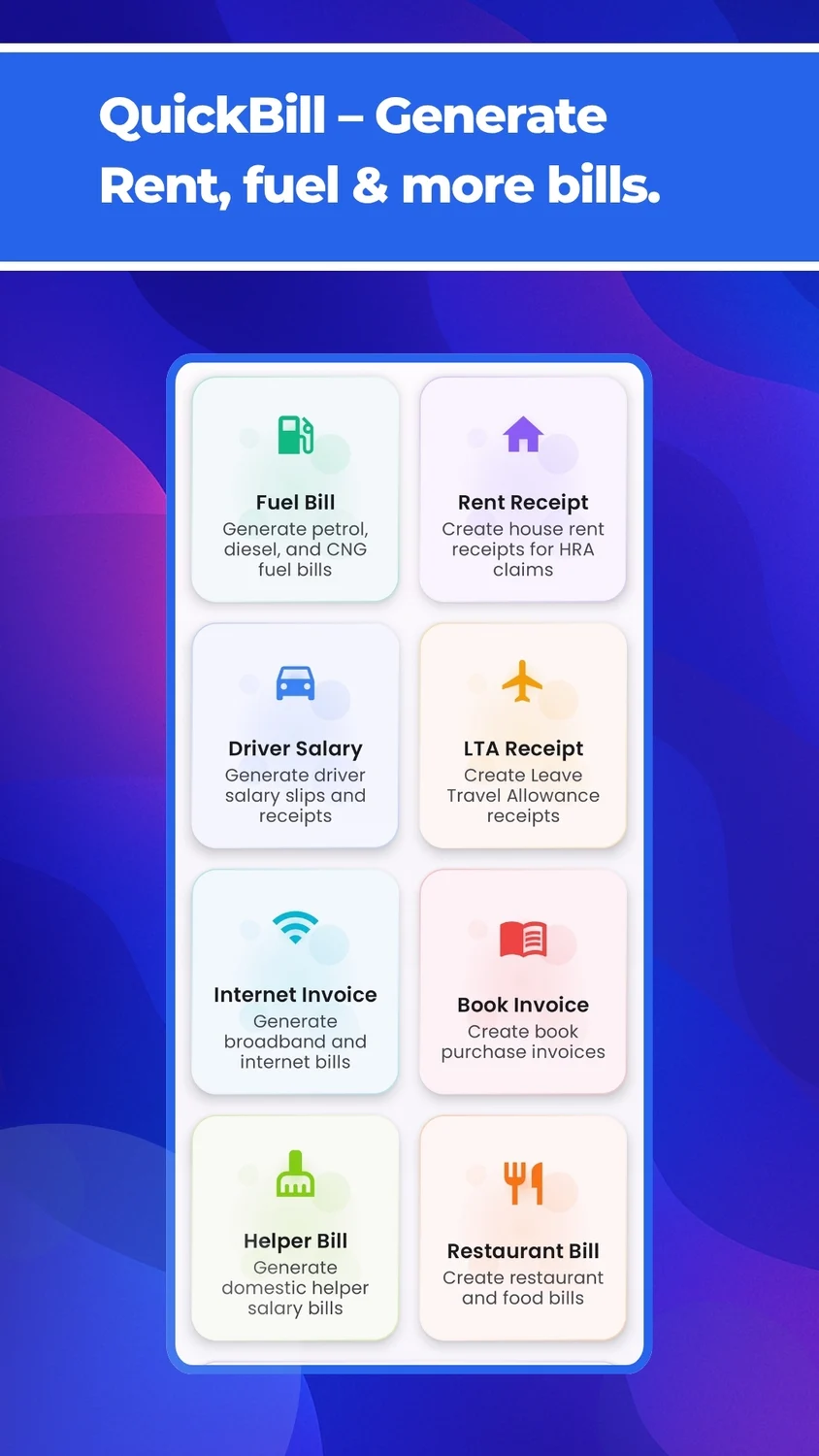
For the receipt you need to make and the phone you want to understand.

Browse all apps ↗

For your wrist: ApexTime, a race-inspired Wear OS watch face ↗

Matterward Games

Command a battlefield in Narrow Front or clear the traffic in Siren Jam. Original low-poly worlds, with controls and pacing built around a phone.

Matterward Games ↗
Narrow Front low-poly Normandy battlefield artwork with a Sherman and infantry

Narrow Front ↗

Real-time WW2 strategy.

WW2 strategy

Deploy infantry and armor, capture farmhouses, and push a shifting front line. Narrow Front brings real-time WW2 strategy to portrait play, with short battles designed around the phone.

Siren Jam's original low-poly city, colorful traffic and emergency vehicles

Siren Jam ↗

Clear a path for the ambulance.

Parking puzzle

Slide parked cars to open a route for an ambulance, fire engine, or police car. Each neighbourhood brings a different traffic puzzle, with a miniature city waiting beyond the jam.

Films & demos

Watch the products and games in action.

YouTube ↗

Start with one sentence

OpenAlly · Launch film · 2:05 · narrated

↗
Read film description
  1. A bakery owner describes what the business needs, and OpenAlly builds a store app for Saffron & Crumb, a demonstration bakery. Templates for a shop, a restaurant and a salon follow, and a photo of a price list becomes the product catalog.
  2. Stock, orders, customers and invoices appear as one set of records, which each new app starts from. Payments come in through Razorpay, Stripe, UPI or cash on delivery, and a customer’s online booking lands in the owner’s calendar already paid.
  3. As the business grows, the owner adds mini-apps beside the store, picked from a library of use cases or described in a sentence.
  4. Next come the owner’s agents, each with a face and a place on an org chart. Given a goal, the lead agent hands each part to a teammate in a miniature 3D office. One agent has its own email address, where it reads a supplier’s PDF and replies.
  5. For Diwali, a content agent makes a banner, cuts a product video and posts the reel to Instagram and YouTube. On WhatsApp, an agent sells to customers after the shop has closed, answers support questions and takes payment in the chat.
  6. Connected apps from Gmail to YouTube line up before the phone returns at the center, with the inbox, mini-apps, orders and office fanned beside it. The film closes on the OpenAlly logo and the line “Describe what your business needs. Get an app you can use.” The film is narrated, and its captions follow the narration. The business, customers, records and outcomes shown are demonstration scenarios.
The workbench

Explore the projects

Every object leads to a project. Explore the products on this interactive bench, then look through the interfaces, game art, and experiments in the workbench.

How we build ↗

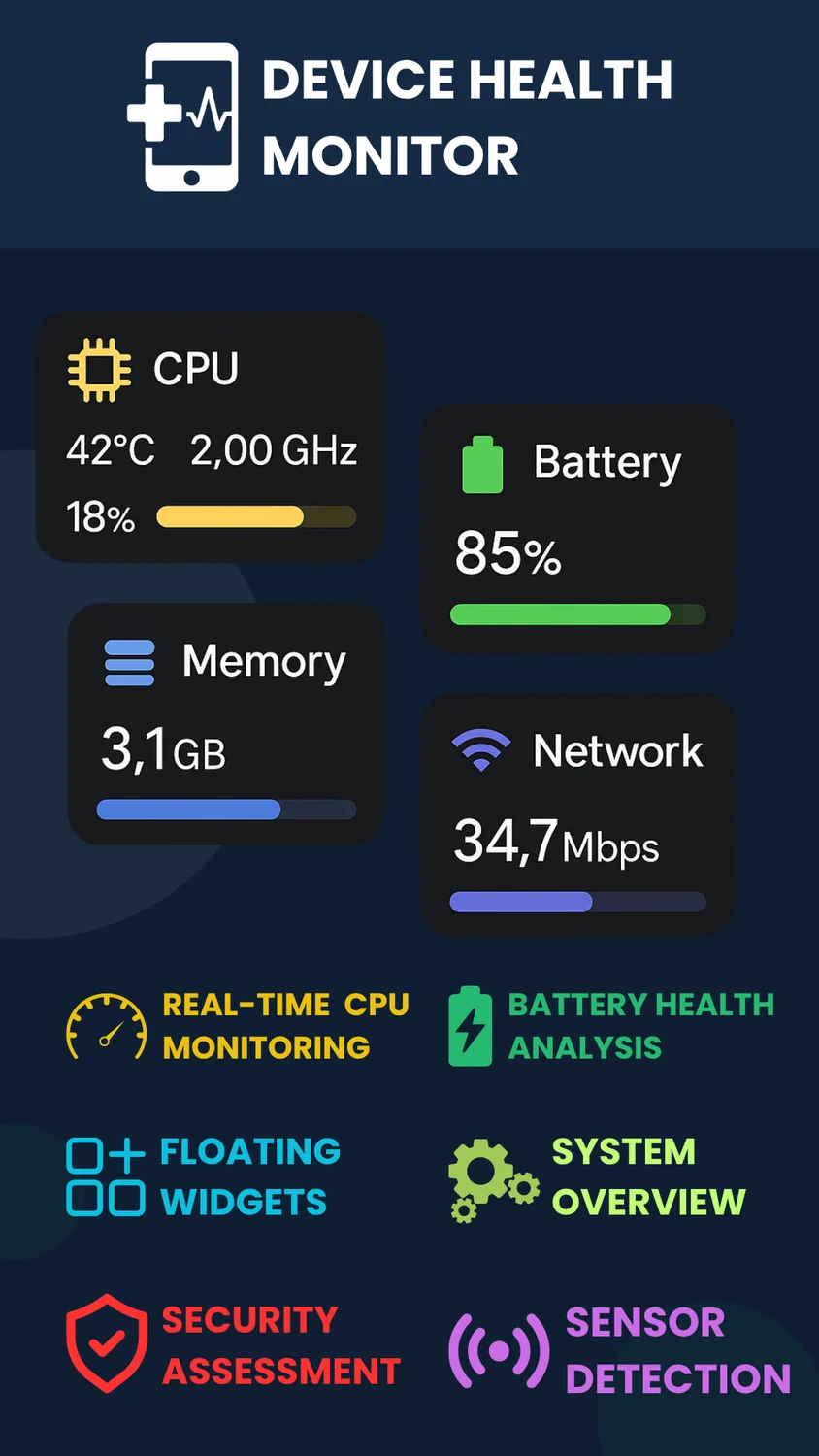
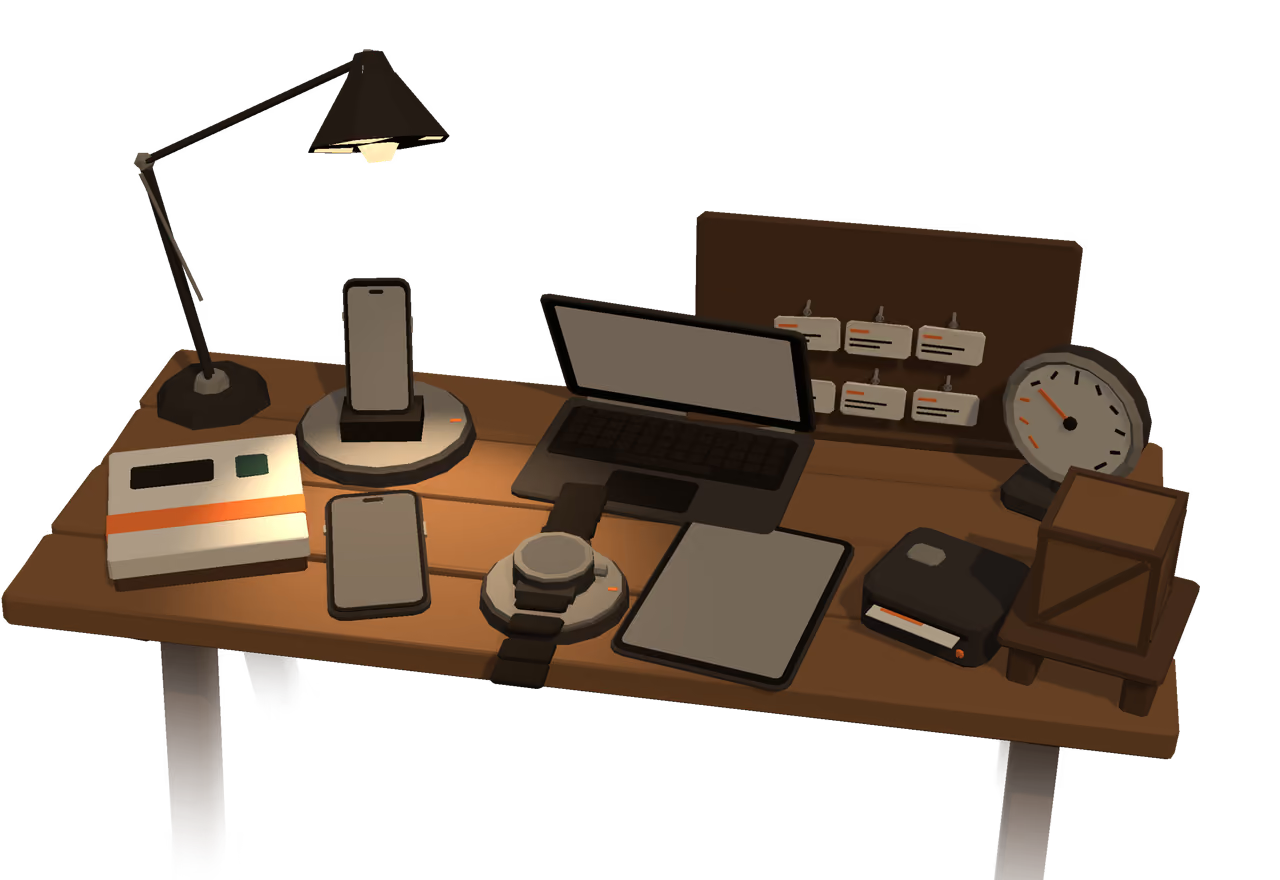
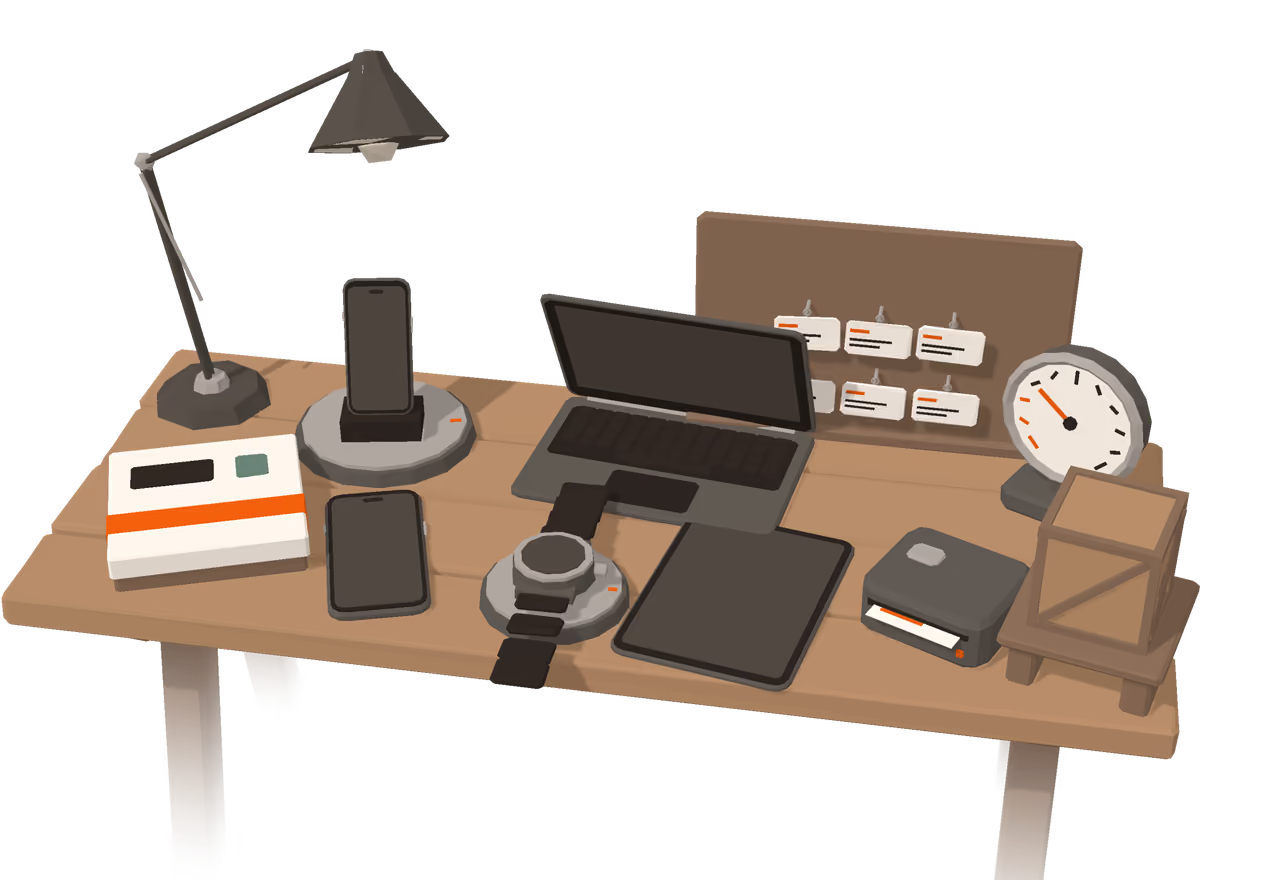
A workbench under a lamp holds one object for each product: OpenAlly, Aster, TaffyGo, UnfoldMyMac, Quick Bill Generator, Device Health Monitor and ApexTime. ZyadaShop sits on an archive shelf, next to a game box and a pegboard of open-source repositories.

The Matterward Labs workbench at night under a desk lamp, with one low-poly object for each product.

Pick something from the bench

What guides the work

Make useful things, and enjoy making them.

Our approach ↗

We build apps for the work that fills a day, and games for the moments in between. An AI workspace, a browser with a helpful companion, a Mac that feels more personal, a city waiting to be untangled: each project starts with something we want to use or play ourselves.

We work across the whole product, from the first interface and underlying code to the artwork, sound, and release. That gives us room to follow an idea into the details: how a tool feels in your hand, how a game reads on a small screen, or how a desktop responds when you open its lid.

Open source

Read the code behind our apps and tools. Explore the projects, check their licenses, and find the instructions to build your own version.

Explore the code ↗