Bring an API key
Connect directly to a supported model provider with your own account.
Business apps you set up from your phone, with AI agents that help you sell.
OpenAlly helps business owners set up the apps they run on from a phone: a website from a template, stock, orders, invoices and payments on one set of records, and agents that help sell. Choose the model provider that suits the job, including a model you run yourself.
Google Play ↗Checked
 Android
 Get it on Google Play
 iOSOpenAlly™Business apps you set up from your phone.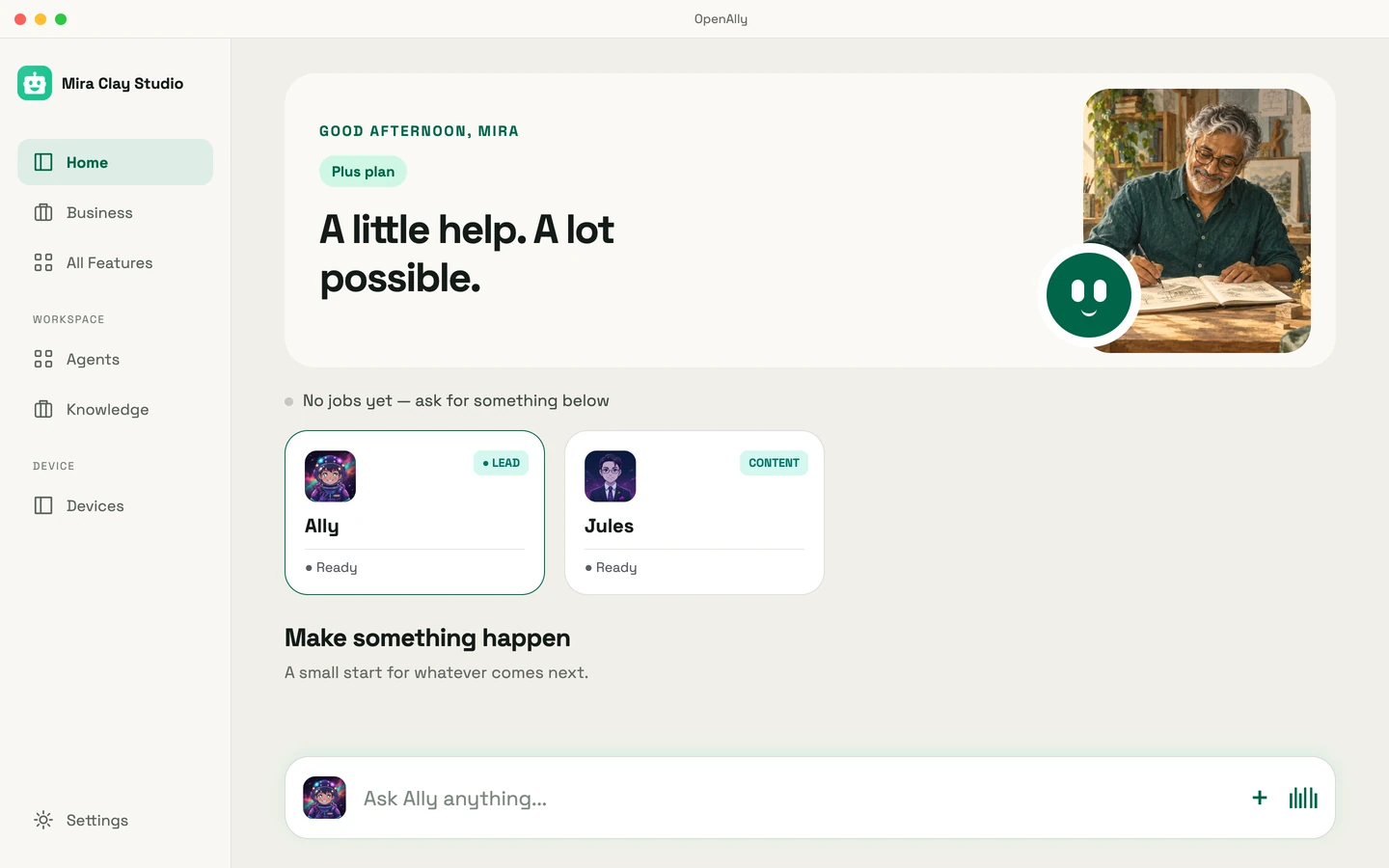
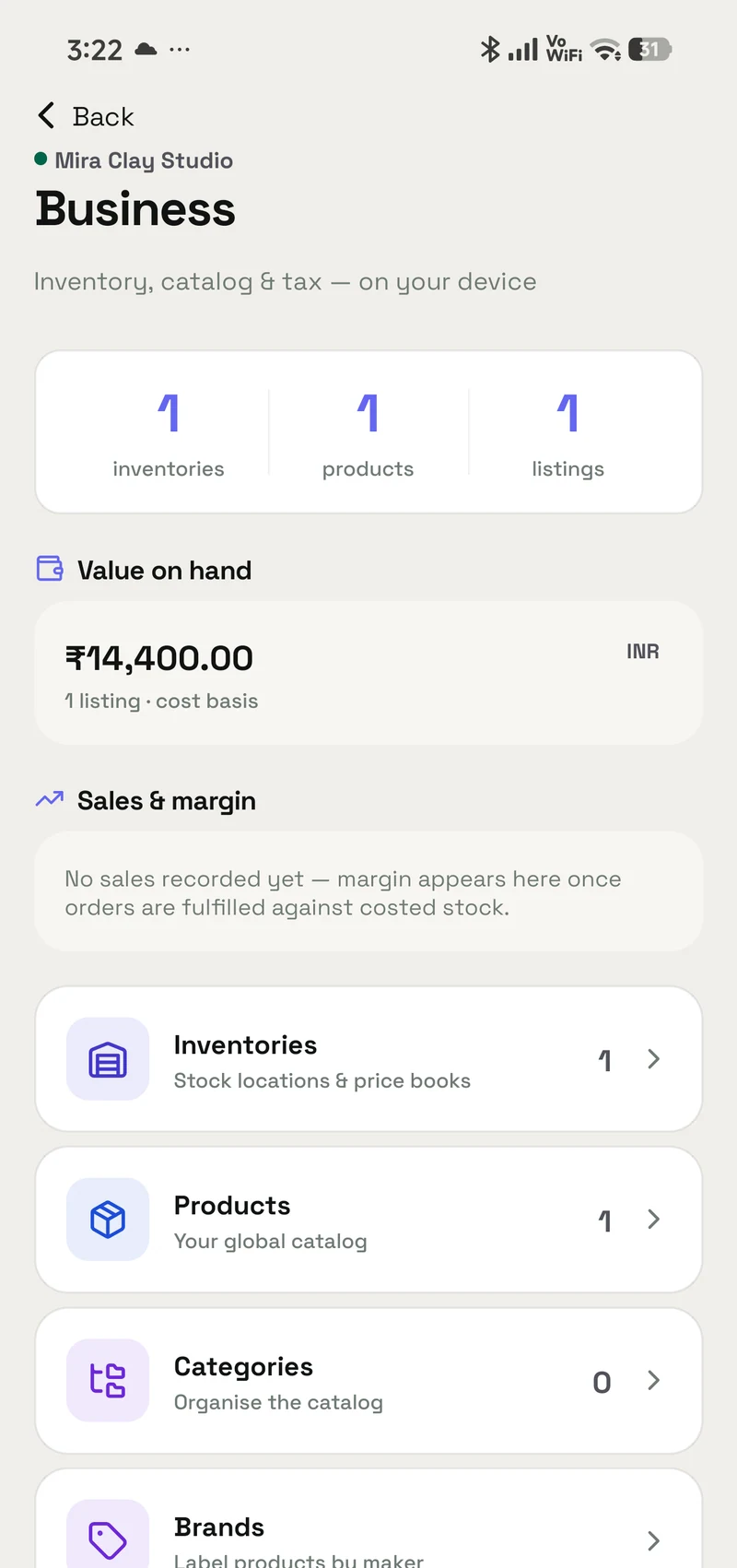
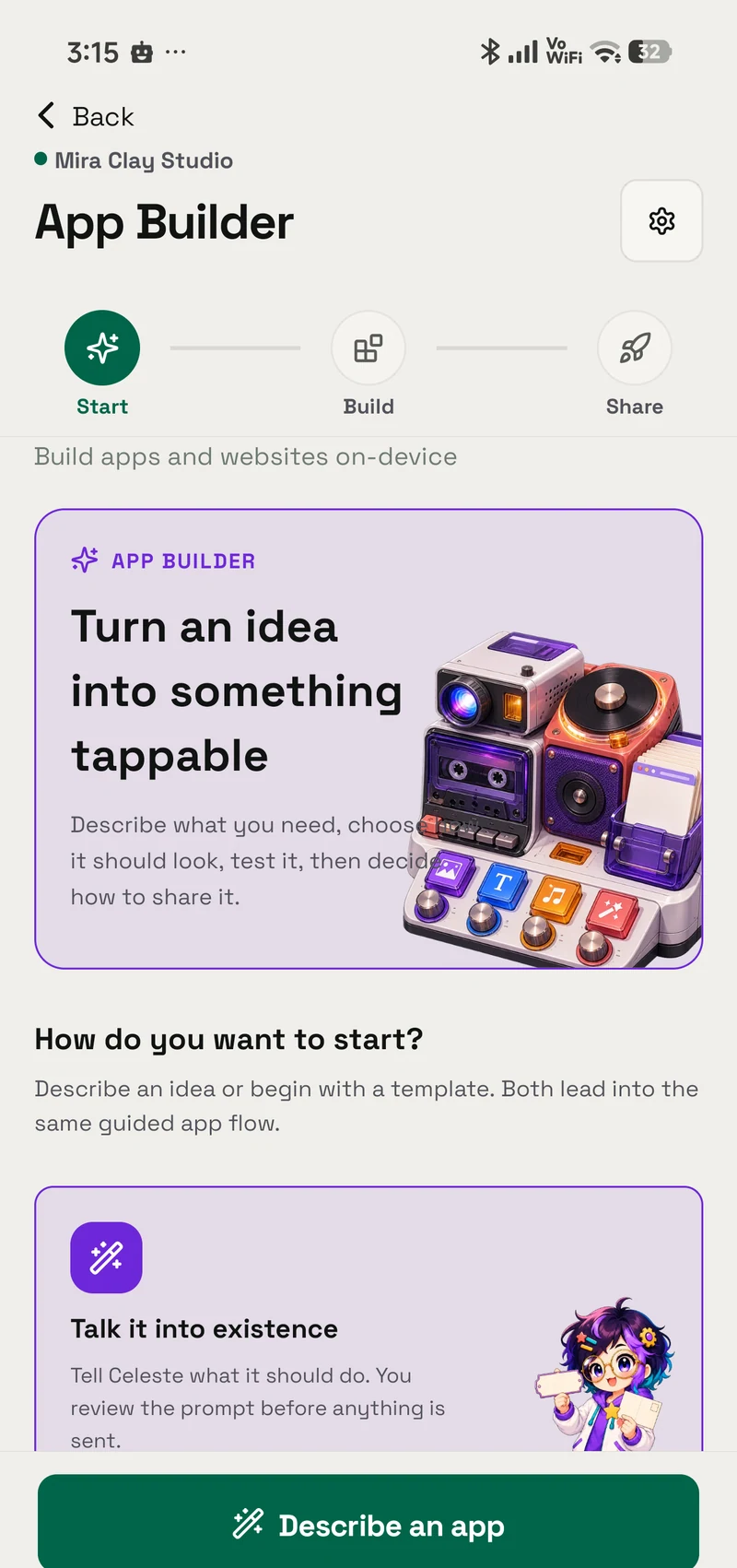
OpenAlly turns what a business owner describes into an app they can use. Start from a template for a shop, a restaurant or a salon. The website, stock, customers, orders, bookings, invoices and payments share one set of records, and an agent can help run them. The same workspace keeps notes and research for the rest of the day.
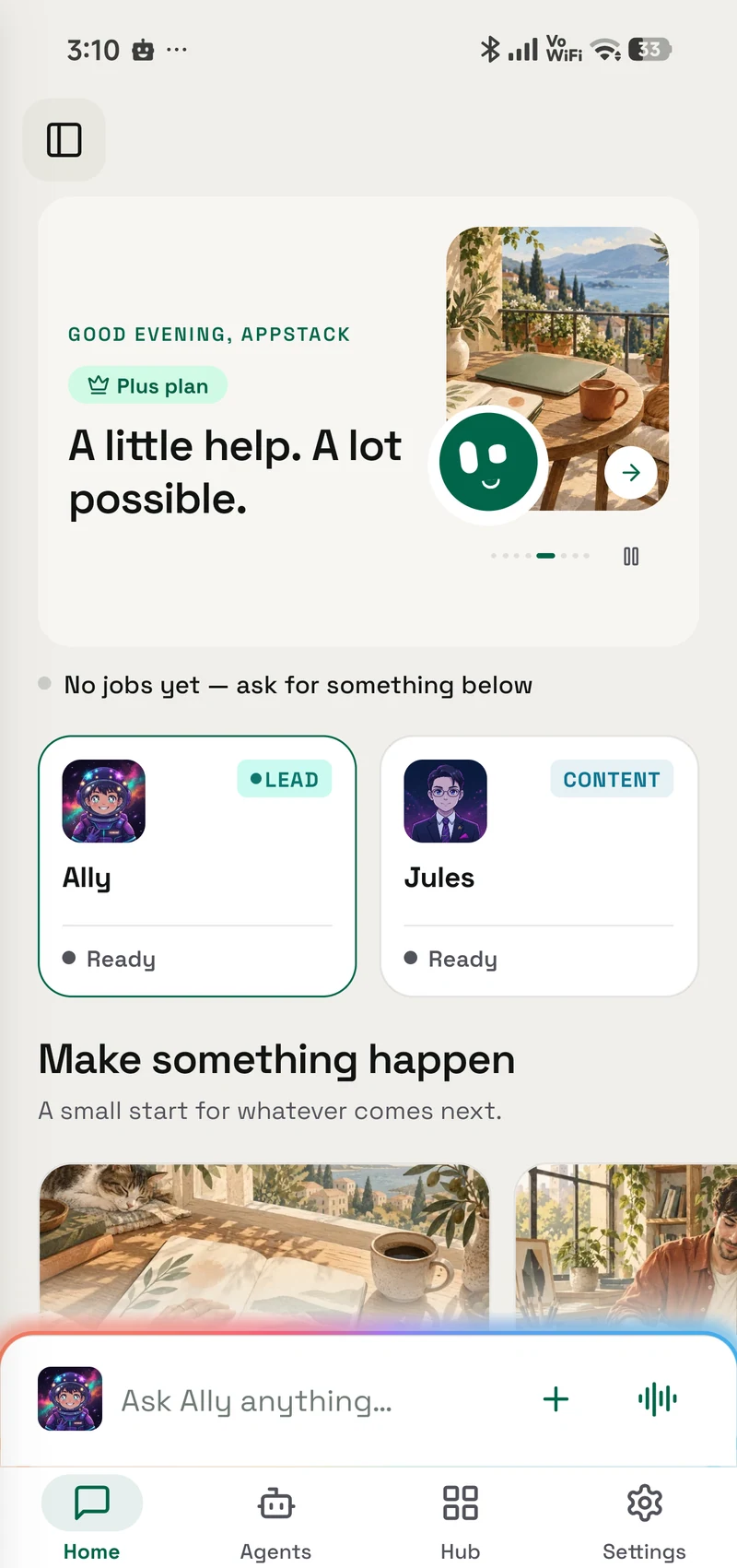
Give an agent a role, choose its model, and decide which skills and information it can use. Add your PDFs, web pages, or notes as reference material. Work from mobile and use the Mac workspace when the task calls for a larger screen. Model choice and optional integrations let you fit the workspace around your work.
Choose what it should help with, connect a model provider, and grant the skills it needs for that job.
Add documents and knowledge, or open the business tools to work with your customers and records.
Ask for research, create a site, or handle a business task. Add messaging integrations when the work belongs in a conversation.
Move from a conversation to the tools, records, and projects your agents work with.
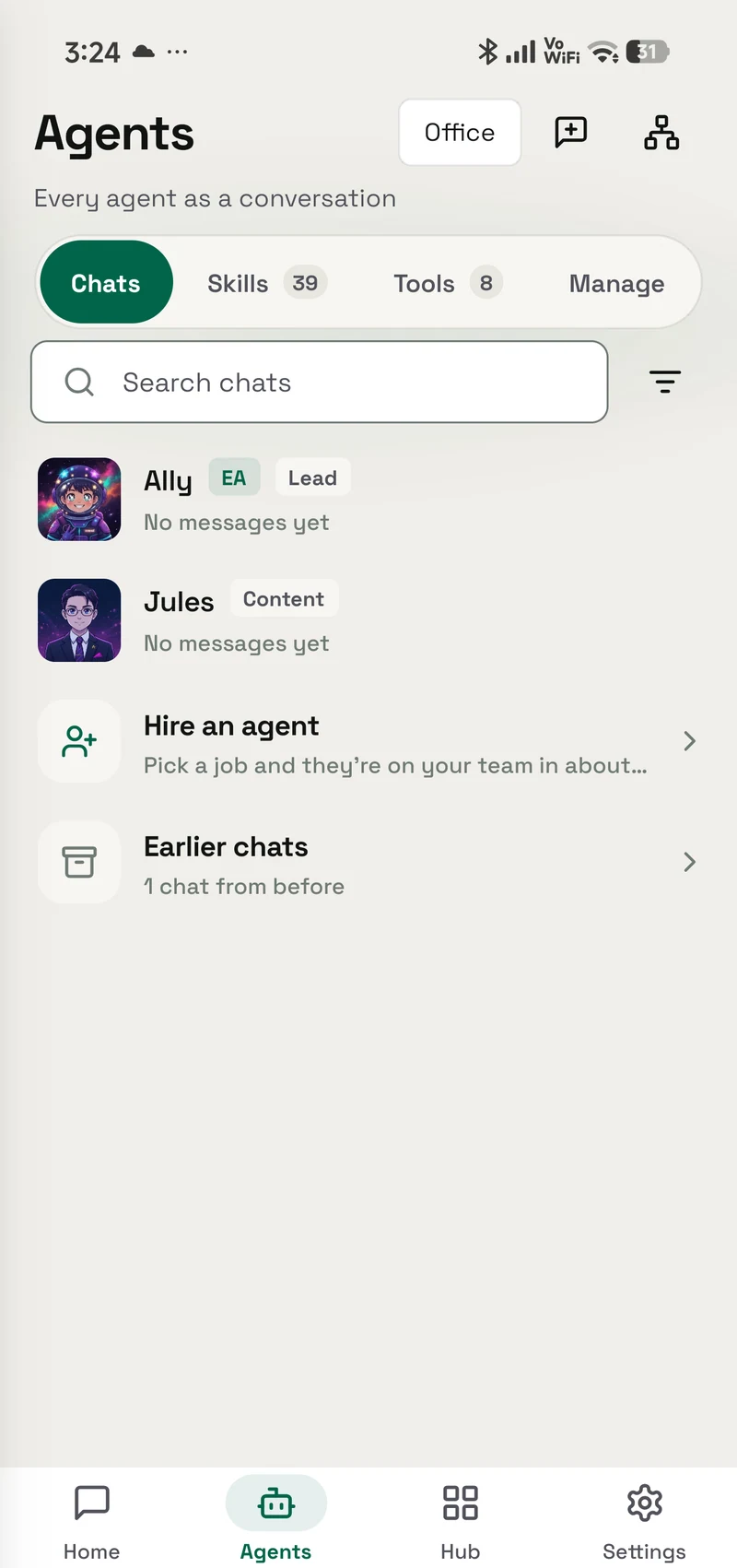
Open an app yourself or ask an agent to help with it. Keep documents close to the task, work with business records, and build something new without leaving the workspace.
Explore the apps and skills ↗
Use your own API key, a supported AI subscription, or a model running on your own machine. Choose the connection that suits the agent and the job.
 OpenAI
 Anthropic
 Google Gemini
 Mistral
 Groq
Groq Ollama
 OpenRouter
 NVIDIA
 Cerebras
 Kimi
Kimi Qwen
QwenConnect directly to a supported model provider with your own account.
Sign in with an existing AI subscription where the provider supports it.
Connect a local or self-hosted endpoint, including Ollama.
A selection of supported providers. Connection options vary by provider; the OpenAlly website has the current details.
A store, a restaurant, and an appointment-based business. Open these live demos and explore the pages and flows.

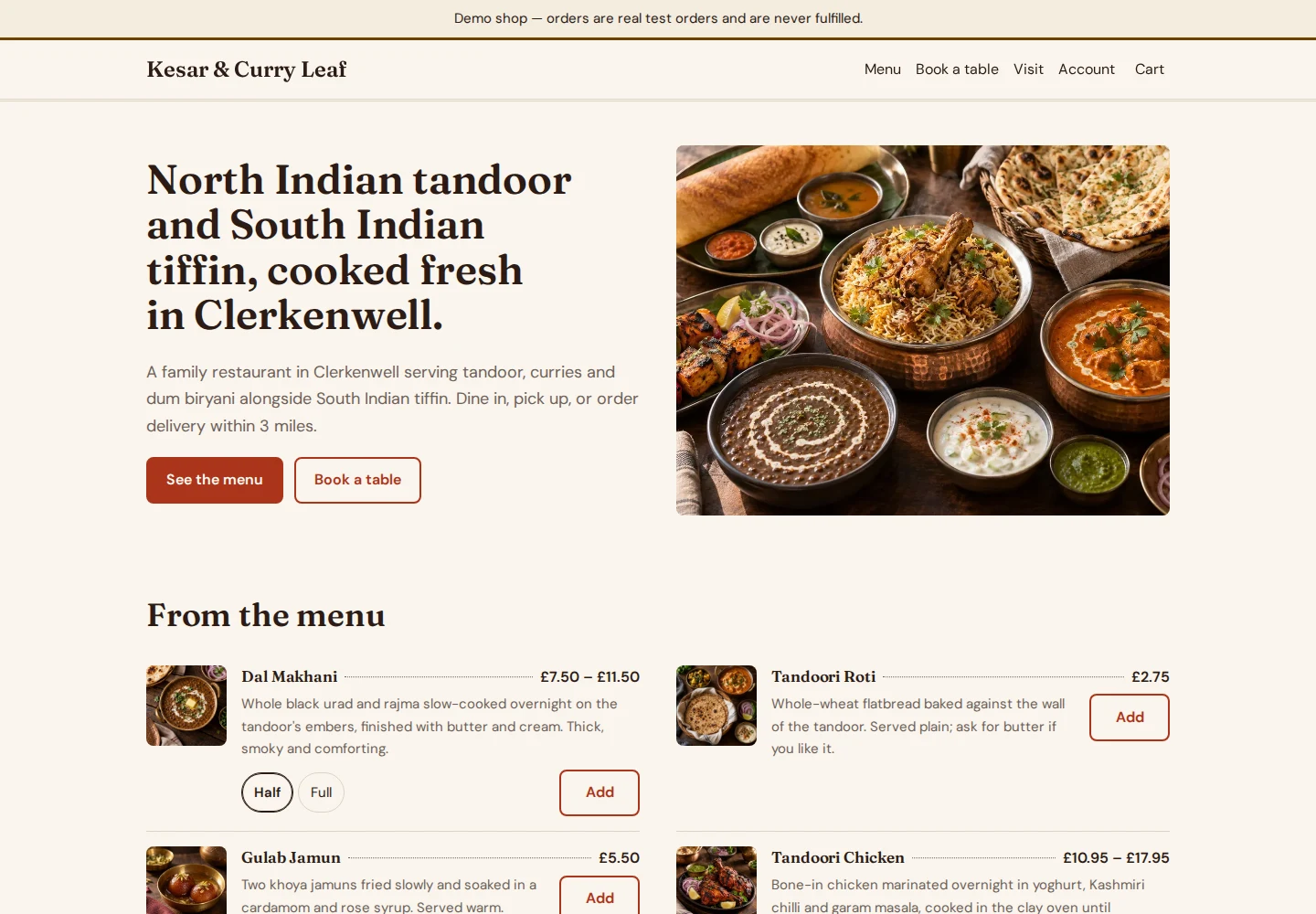
A restaurant website that brings its menu and ordering experience online.
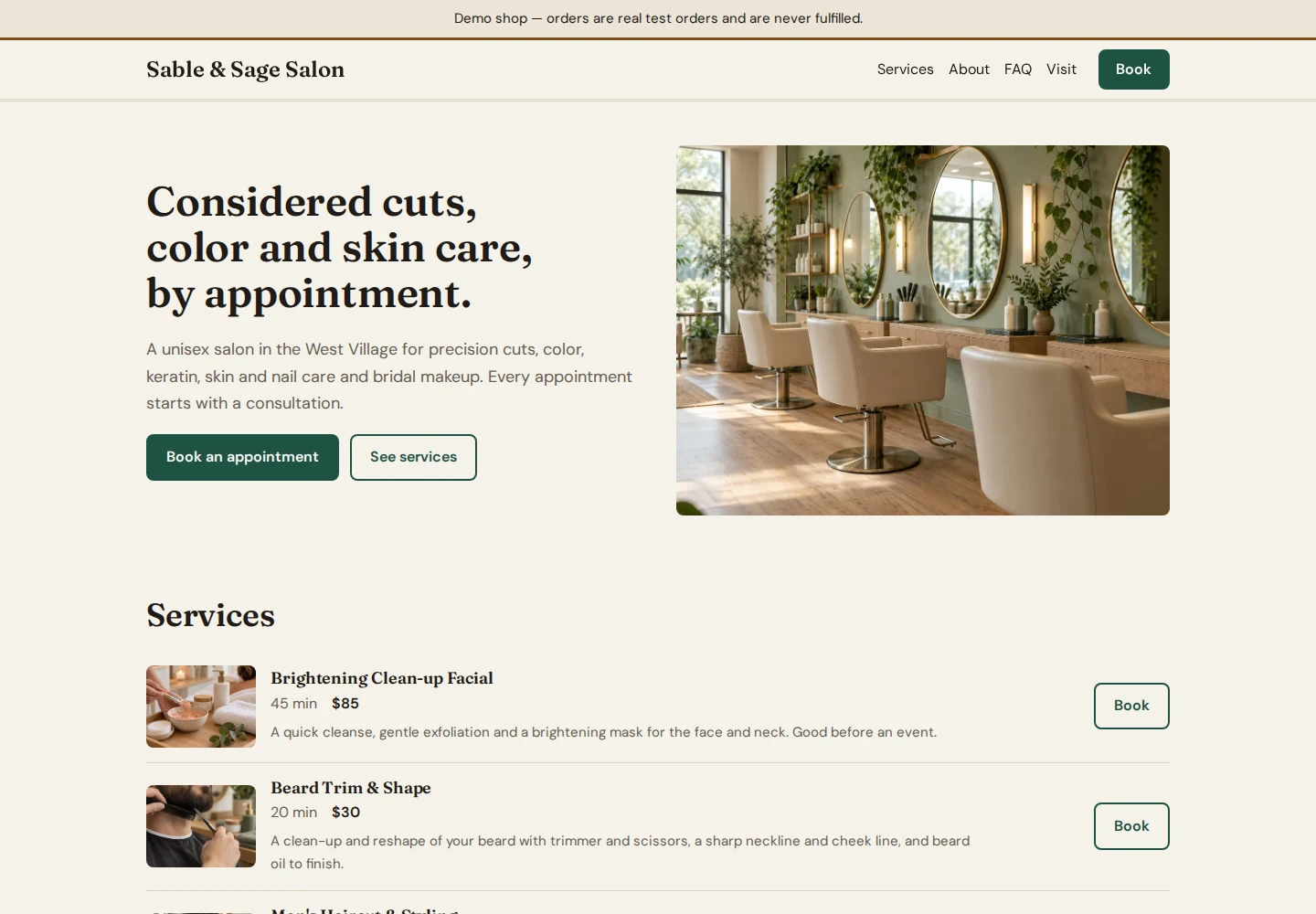
A salon website with service details and an appointment-booking flow.
These are demonstration businesses. Test orders and bookings are not fulfilled.
Start from a template for a shop, a restaurant or a salon, tell OpenAlly how the business works, and change it by asking. The website, stock, orders, invoices and payments share the same records.
Sales and support agents answer customers from your catalog and take the order. Payments and refunds stay with the owner.
Keep notes and plans, or make images and video, with the same agents.
The Mac app is a direct download from openally.ai, Developer ID-signed and notarized by Apple. Version 1.0.3 needs macOS 14 or later on Apple silicon.
The agent runtime runs on the device; provider keys stay on the device. Requests to your own model provider go directly to that provider. OpenAlly cloud AI and some delivery integrations use OpenAlly services; the privacy guide explains those paths.
WhatsApp, Telegram and other services are optional ways to put an agent where the work happens.
OpenAlly is designed for Android, iPhone, and Mac. See the availability panel for current downloads.
Yes. OpenAlly requires sign-in. The agent runtime runs on the device and provider keys stay on the device. Requests to your own model provider go directly to that provider. OpenAlly cloud AI and some delivery integrations use OpenAlly services; the privacy guide explains those paths.
Choose from 46 model provider connections, or point OpenAlly at a model you run yourself. There is no provider lock-in.
The agent runtime runs on the device; provider keys stay on the device.
An MCP server and Android companion app that gives an AI assistant hands on an Android phone.
Your browser, with a little help from Taffy.
Desktop effects that follow your lid, and live wallpapers with something going on.