Our products

Explore the AI workspaces, browser, desktop apps, and focused utilities we build. Each product has its own purpose, with real interfaces, demos, and download links inside.

OpenAlly™Business apps you set up from your phone.
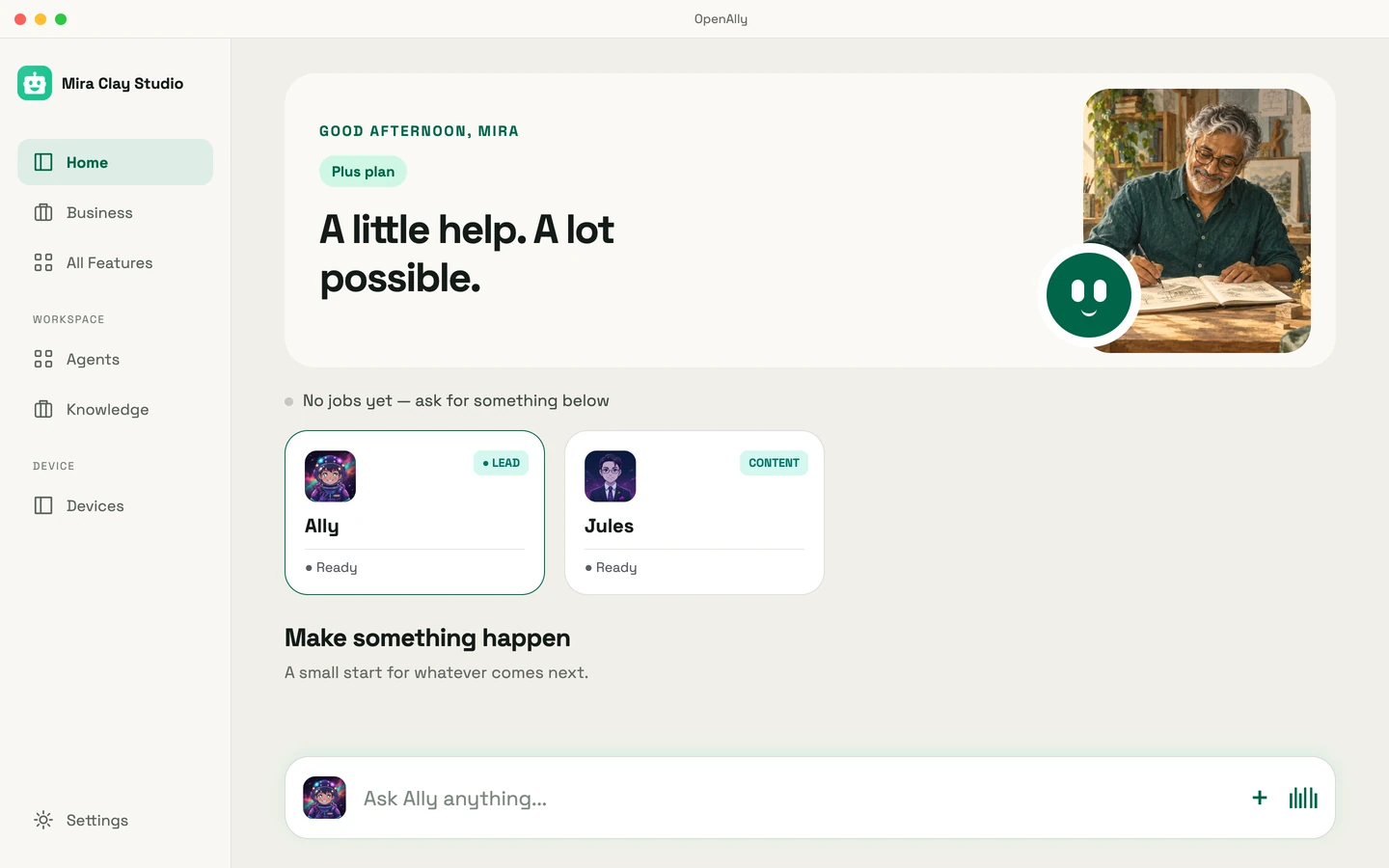
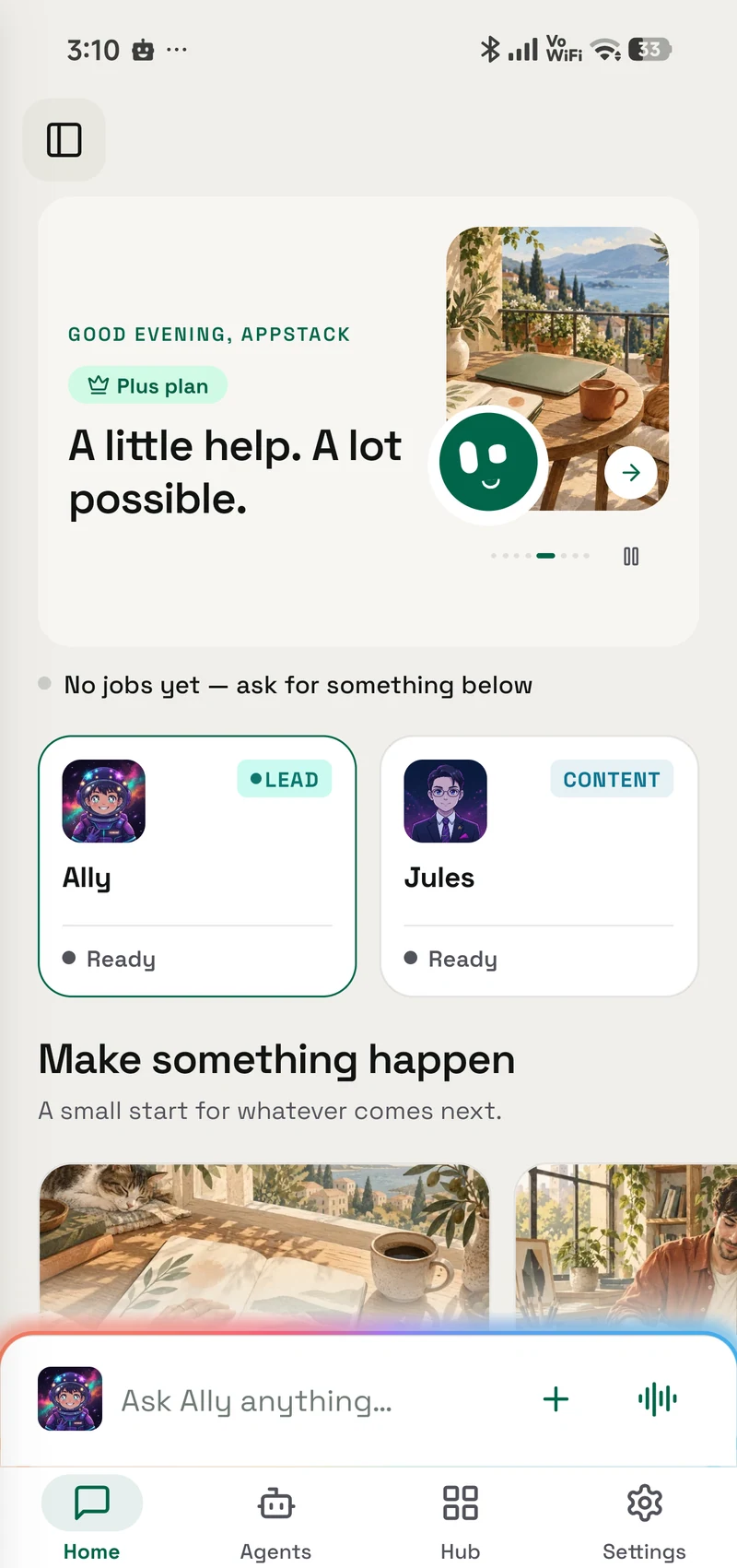
OpenAlly on Mac, showing a sample business workspace with Ally and JulesThe current OpenAlly mobile home screen
AI · mobile & Mac

OpenAlly™

Start from a template, change it by asking, and run the shop, the orders and the invoices from one set of records, on your phone and your Mac.

OpenAlly helps business owners set up the apps they run on from a phone: a website from a template, stock, orders, invoices and payments on one set of records, and agents that help sell. Choose the model provider that suits the job, including a model you run yourself.

  • Start from a template
  • Manage customers, orders and invoices
  • Work with your choice of AI

TaffyGoBrowse with Taffy.
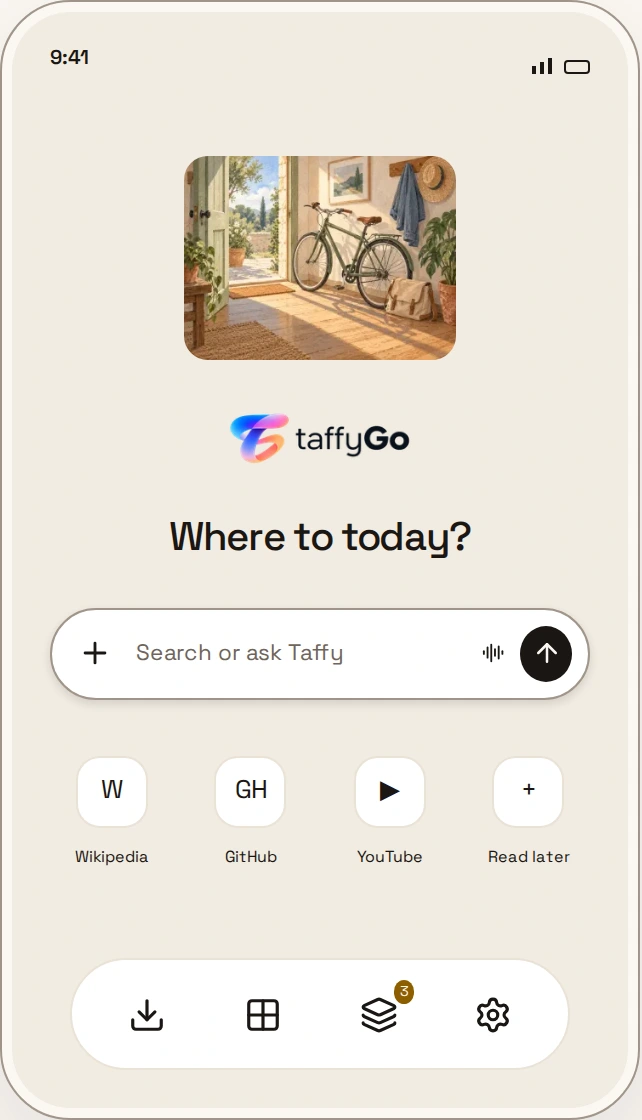
Taffy, the browser’s winged assistantTaffyGo’s new-tab screen: Where to today, Search or ask Taffy, frequent sites, and the browser dock
Browser · Android

TaffyGo

Read, ask, and get things done with Taffy. A Chromium browser with ad blocking and an assistant that uses the provider you choose.

Taffy stays beside the page you are reading. Ask a question, compare information across tabs, or prepare a file for an upload without leaving the browser. Tasks have a visible review and approval step, and you choose which AI provider Taffy connects to.

  • Ask about the page you are reading
  • Research across tabs with source links
  • Block ads and trackers
UnfoldMyMacLid effects & live wallpapers.
Desktop · macOS

UnfoldMyMac

Lid effects that follow your MacBook as it opens. Live wallpapers and little worlds that make a desktop feel like yours.

Open the lid and a curtain follows it. Leave a live scene on a second display, use your own artwork, or connect a wallpaper to your Mac’s activity. The app is native to macOS, open source, and has no account or analytics.

  • Lid effects that follow your MacBook
  • Live wallpapers across displays
  • Your artwork, depth and reveal style
AsterControl your Android with AI.
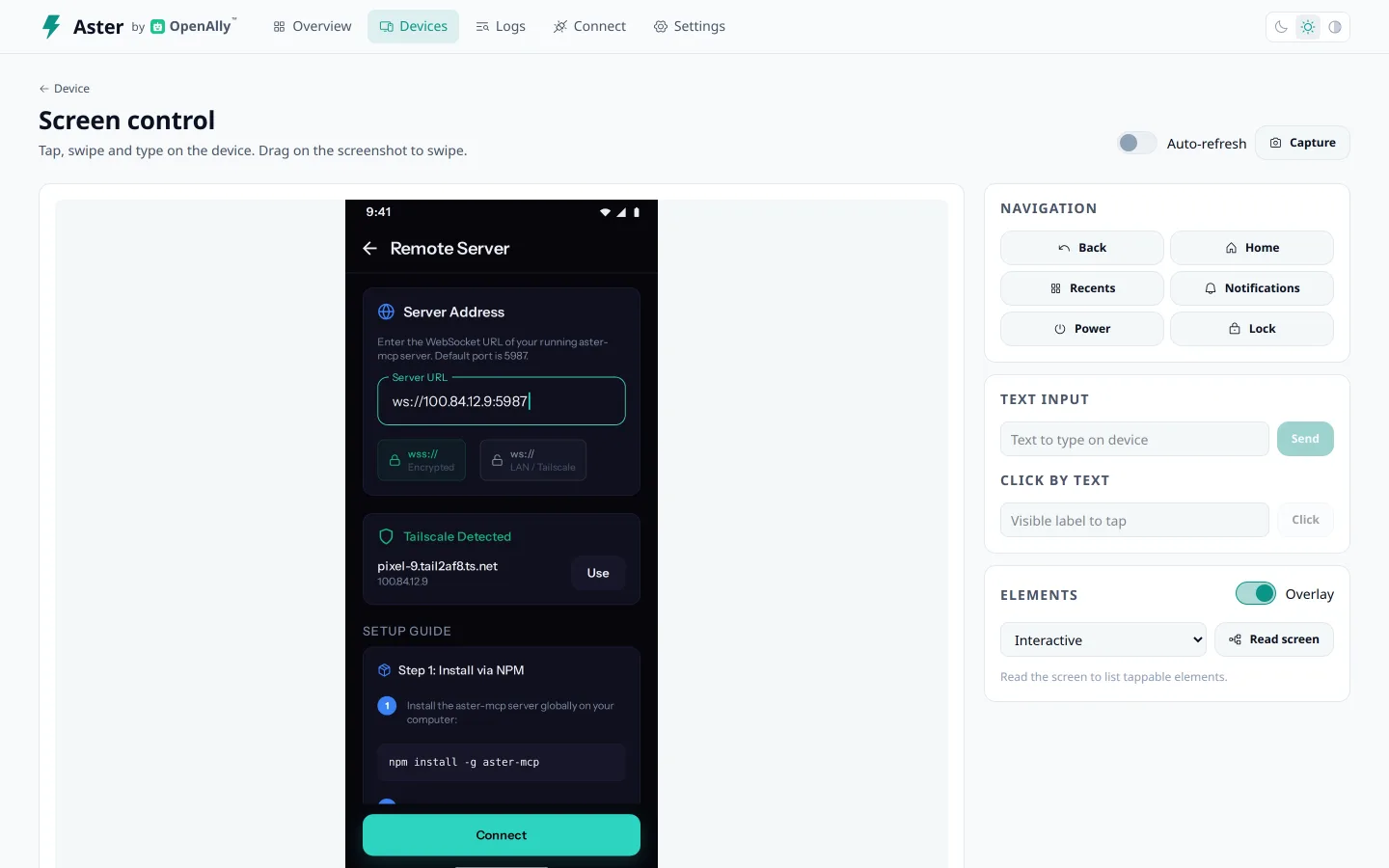
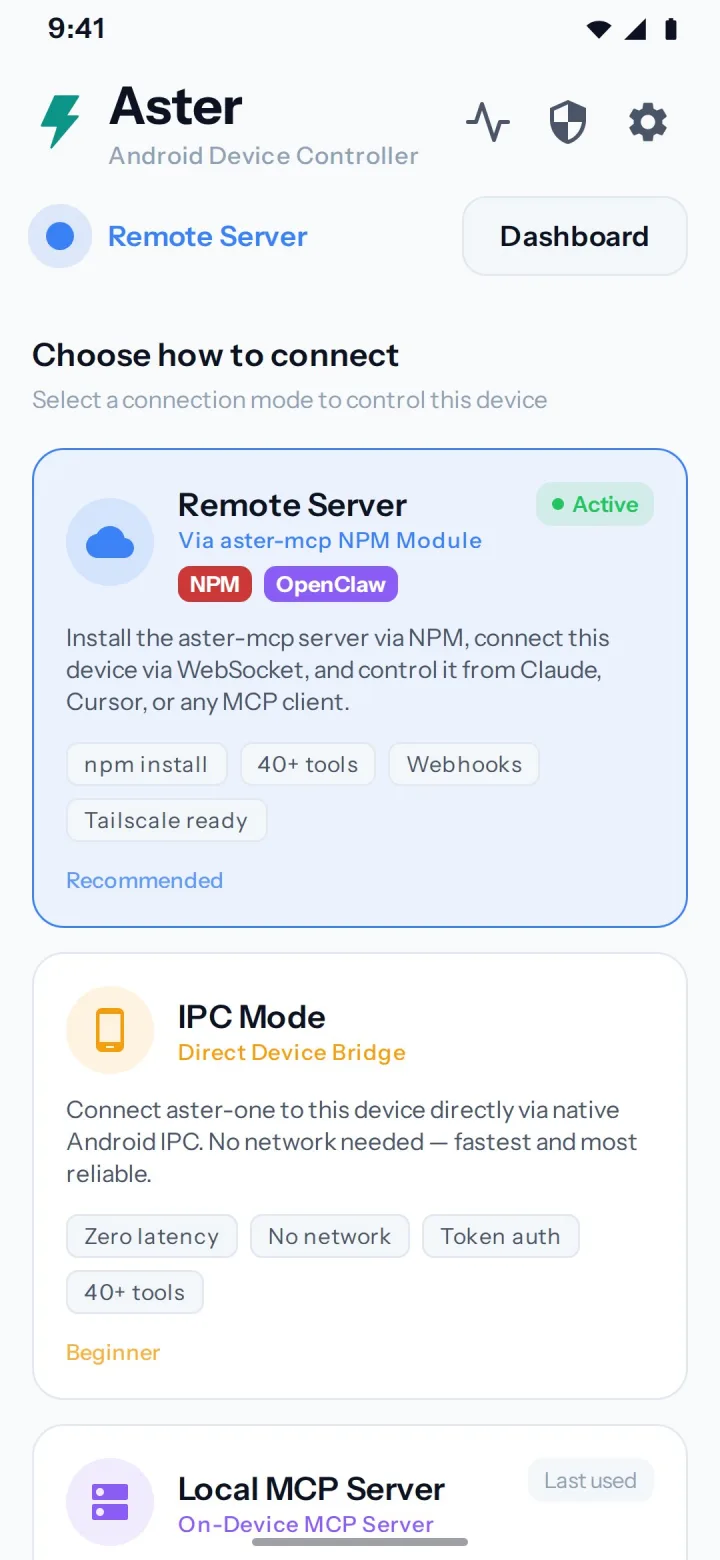
Aster’s dashboard with the phone screen, navigation controls and text inputAster Android companion dashboard
AI companion · Android

Aster

A separate Android companion for screen control, calls, messages, and device tools. Put a phone you control to work with your AI assistant.

Give your AI assistant a way to interact with an Android phone. Aster makes the screen and device tools available through a companion app: inspect what is on screen, tap through a task, or work with calls and messages. Server-paired connections ask for device approval. A stop control on the phone lets you end a session.

  • Screen reading and interaction
  • Calls, messages and device tools
  • Approval for paired connections and a local stop control

Phone & watch utilities

Small, focused tools for phones and watches.

Quick Bill Generator

Rent receipts, fuel bills and salary slips, generated in seconds.

Take a look ↗

Device Health Monitor

Live CPU, battery, memory and network telemetry from the device itself.

Take a look ↗
ZyadaShopStorefront · Catalog · Orders
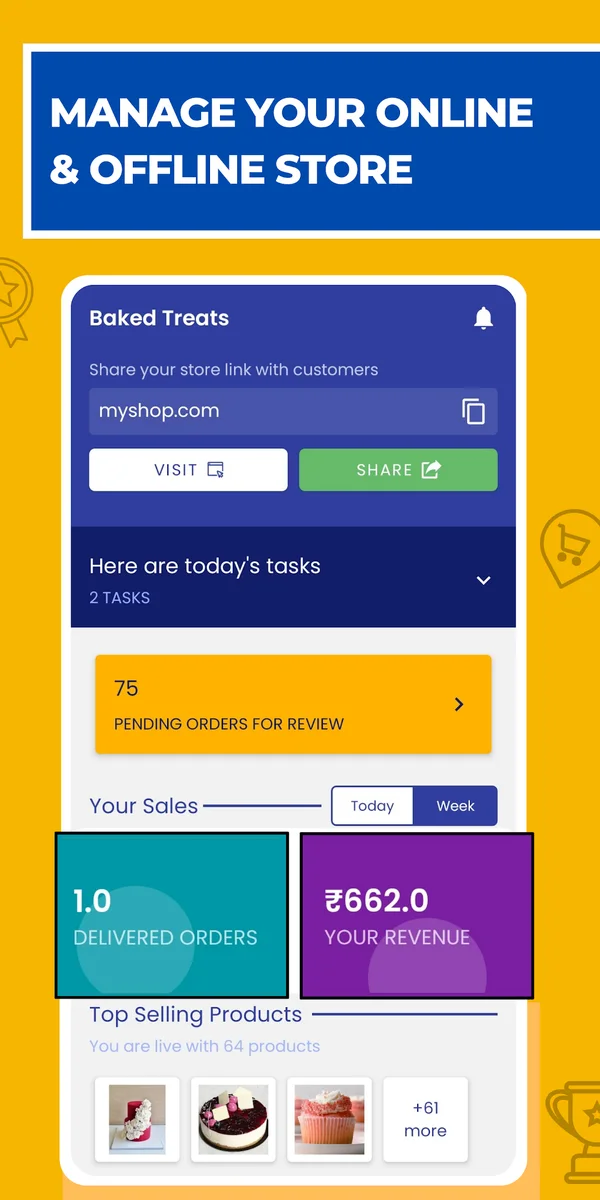
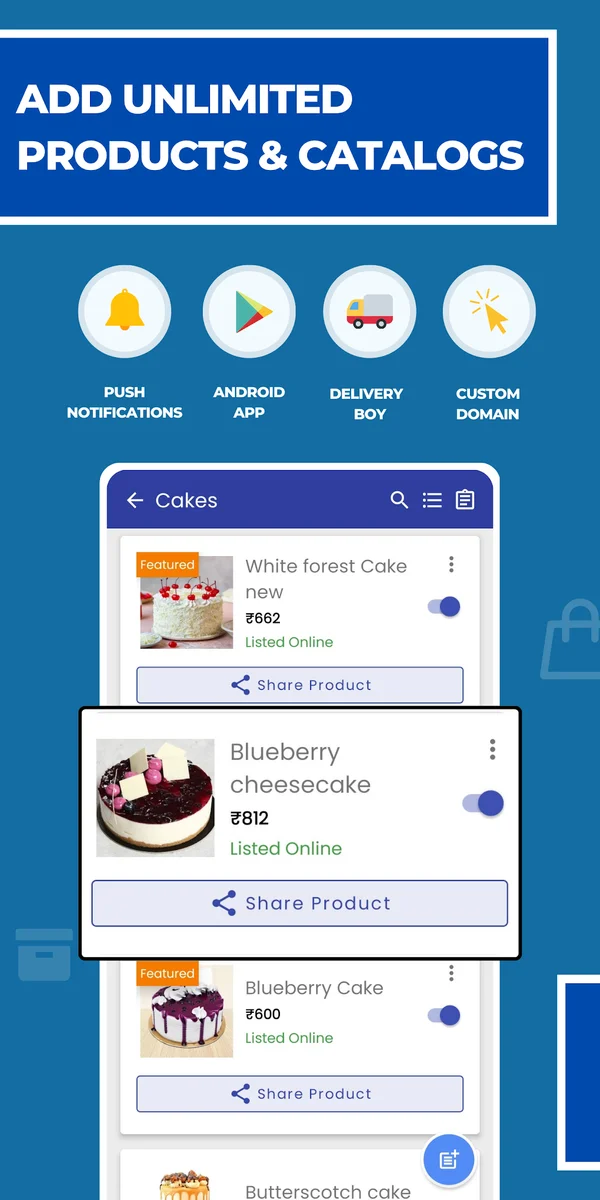
ZyadaShop store dashboardZyadaShop product catalog
Actual screens from the store listing
From the archive

ZyadaShop

A store builder for shop owners in India. Built here; now published by AppyFlux Technologies Private Limited.

The ZyadaShop story ↗